HeritageQuest

Where does your American past begin? HeritageQuest Online provides libraries with a unique and growing collection of research materials for genealogists and historians. Use the link in  the left column and put in your 13-digit library card number. You can access HeritageQuest from your home computer.

A special use of Central Library Book Aid funds has made Heritage Quest available to all SALS libraries. Beginning and professional genealogists can use this powerful online resource to trace family histories and American culture from the convenience of their home or at the library.

Many distinctive and invaluable sources of information can be found within HeritageQuest Online. This is a growing collection which at this time includes:

Genealogy & Local History Collection (Books)of over 20,000 book titles, including nearly 8,000 family histories and over 12,000 local histories, in addition to more than 250 primary source documents such as tax lists, city directories, church and probate records, and more.

1790-1930 U.S. Federal Census with complete original images, plus many head-of-household name indexes;

Periodical Source Index (PERSI), a comprehensive searchable subject index covering more than 6,300 genealogy and local history periodicals written in English and French (Canada) since 1800; and

the Revolutionary War Pension and Bounty Land Warrant Application Files,

the Freedman’s Bank records (1865-1874)and

the Lexis Nexis® U.S. Serial Setcontains House and Senate documents, such as Private Relief Actions, Memorials and Petitions from 1789-1969.

HeritageQuest Online gives us the opportunity to tap into one of the largest collections of genealogy material in the country.

Pember Presents “Grandparents and Gravestones”

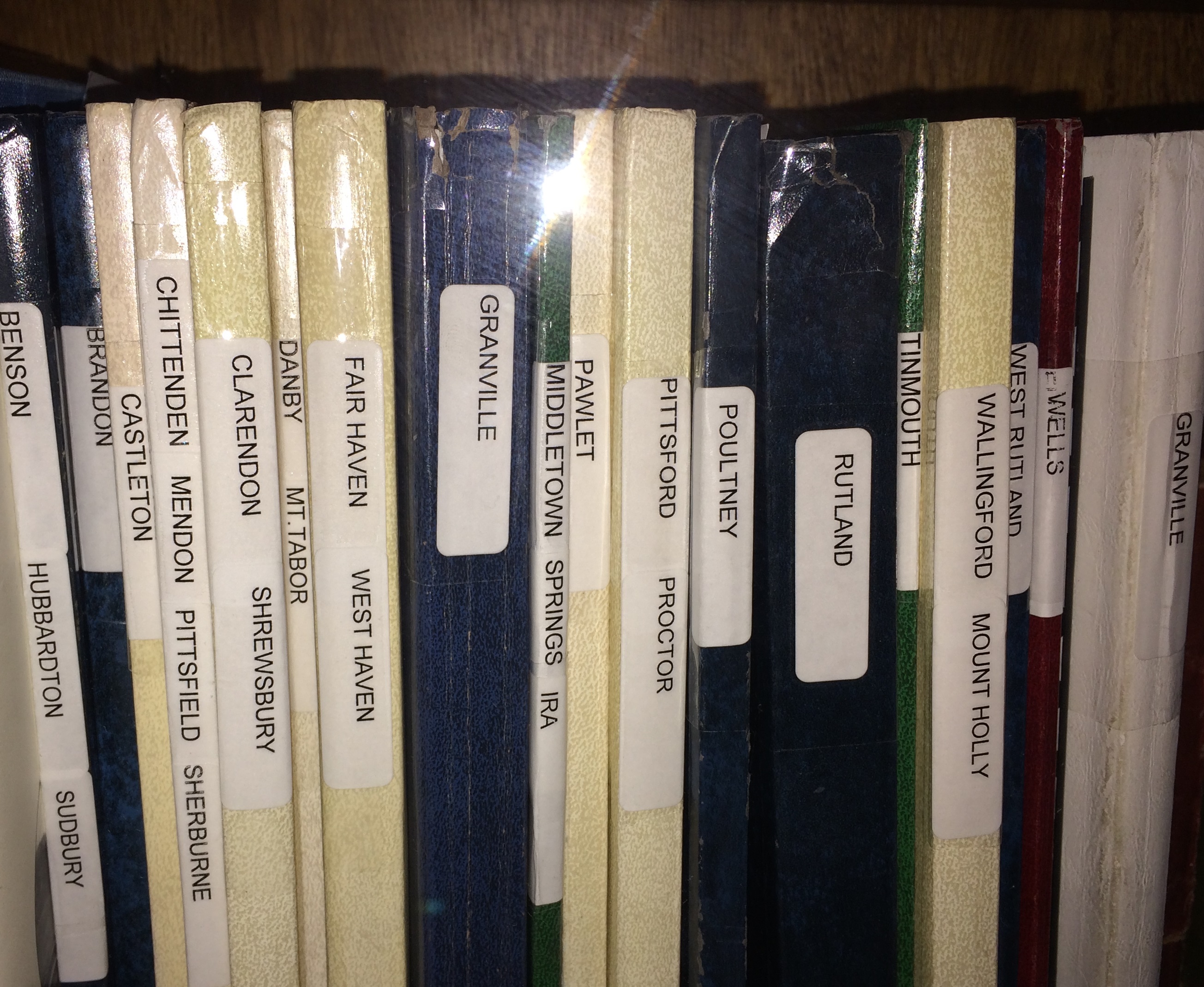
Peggy Jenks' cemetery books at the Pember
Peggy Jenks’ cemetery books at the Pember

Join us at the Pember Library, 33 West Main St, Granville, on Monday, March 24 at 6:30 PM for a meeting of the Granville Historical Society. There will be light refreshments.

Starting at 7:00 PM, Peggy Jenks will give a talk and slide show about Grandparents and Gravestones, using cemetery stones as part of your genealogical research.
Peggy has been a family genealogist since 1964 and a cemetery transcriber since 1978. She has published award-winning books listing all the cemetery inscriptions of the twenty-seven towns in Rutland County, Vermont, and of Granville, Washington County, New York…over 225 cemeteries in all. Peggy’s other publications include several volumes of probate records and family histories.

Closed

The library closed early today because of inclement weather and poor road conditions. We apologize for any inconvenience.

Protect Yourself: Cyber Crime Prevention Tips

Today’s world is more interconnected than ever before.  Yet, for all its advantages, increased connectivity brings increased risk of theft, fraud, and abuse.  Week four of National October Cyber Security Awareness Month highlights how people can protect themselves against cyber crime and how to get help.

What Can Be Done to Avoid Becoming a Victim of Cyber Crime?

1.         Secure your computer. If your computer does not have proper security controls, it is vulnerable to access by criminals, who may be able to steal information stored on it.  Make sure your computer has the latest security updates installed. Check that your antivirus and antispyware software are running properly and are receiving automatic updates from the vendor. If you haven’t already done so, install and enable a firewall.

2.         Carefully select the sites you visit. Know the site. Know the company. Do not visit a site by clicking on a link sent in an email, found on someone’s blog, or on an advertisement. The website you land on may look just like the real site, but it may be a well-crafted fake.

3.         Never send sensitive or personal information in an email. It may be intercepted and read by criminals. Legitimate businesses will not ask users to send their sensitive personal information through email.

4.         Use strong passwords. Cyber criminals have developed programs that automate the ability to guess your passwords. To protect yourself, passwords must be difficult for others to guess, but at the same time, easy for you to remember. Passwords should have a minimum of eight characters and include upper case (capital letters), lowercase letters, numbers, and symbols. Make sure you use a different password for each of your accounts.

5.         Look Yourself Up. Search engines will help you to do a quick query of your public information. You can also take a proactive approach to set up alerts for search terms of your name. Data service sites have massive amounts of data compiled from a variety of sources, including public records and social networking sites. This data can be used by criminal profilers, and others for any number of purposes, not necessarily intended by the data service providers.

6.         Cleanup your data. Information that is under your control includes your social networking profiles. In addition, there could be information about you on old blog postings, postings on a friend’s web site, an old dating profile, picture sharing account, or any other services that you used but no longer find necessary.

7.         Review your social media accounts. You basically have three options-remove the data, modify the privacy settings, and/or request that the account be deleted. If you are going to request that the account be deleted, be sure to remove all of the data first. Also, request that the account be deleted rather than deactivated.

8.         Be cautious about all communications you receive including those purported to be from “trusted entities” and be careful when clicking links contained within those messages. If in doubt, do not click.

9.         Do not respond to any spam-type emails.

10.        Do not input your information in a pop-up. If you are interested in an offer that you see advertised in a pop-up ad, contact the retailer directly through its homepage, retail outlet, or other legitimate contact method.

Please visit the following sites for additional information and for resources to get help:

*         NYS ITS Cyber Security Tips Newsletters:  http://www.dhses.ny.gov/ocs/awareness-training-events/news/

*         Free security check ups: http://www.staysafeonline.org/business-safe-online/free-security-check-ups/

*         Online scams, small business tools, videos:  http://www.onguardonline.gov/

*         FBI Cyber Crimes Stories: http://www.fbi.gov/news/stories/story-index/cyber-crimes

*         Crime Prevention: http://troopers.ny.gov/Crime_Prevention/Online_Safety/

*         Internet Crime Complaint Center (IC3):   http://www.ic3.gov/default.aspx

*         National White Collar crime Center (NW3C): http://www.nw3c.org/

*         NYS Information Security Breach and Notification Act: http://www.dhses.ny.gov/ocs/breach-notification/

*         FBI Internet Social Networking Risks: http://www.fbi.gov/about-us/investigate/counterintelligence/internet-social-networking-risks

*         Anti-Phishing Working Group (APWG): http://www.antiphishing.org/


From the NYS Office of Information Technology Services Cyber Security Newsletter.

SALON Participating in International Big Read September 16-30, 2013

The Southern Adirondack Library System invites children and their parents to take part in the Big Library Read, a program in which over 4,000  libraries  and schools world-wide give library cardholders simultaneous access to a popular title for a two-week period, creating a virtual, global book club.

webpic

Starting Monday, September 16 through Monday, September 30, library cardholders will be able to visit the SALON website and borrow and enjoy eBook  and audiobook versions of the Big Library Read book, Nancy Clancy, Super Sleuth by Jane O’Connor, Book 1 of the hugely popular Fancy Nancy children’s book series.

Borrowers may read or listen to the book on all major computers and devices, including iPhone®, iPad®, Nook®, Android™ phones and tablets, and Kindle® without worrying about wait lists or holds. Titles will automatically expire at the end of the lending period. There are no late fees!

Tax Forms

We have basic NYS tax forms (IT-201, IT-201 ATT, IT-203, and instruction booklets for IT-201 & IT-203) available at the library free of charge.  Or you can go to http://www.tax.ny.gov/forms/ to get all NYS forms ($.25 per page if you use our printers and ink).

We do not have Federal tax forms but you can download them from the internet, ($.25 per page if you use our printers and ink). Go to http://www.irs.gov/formspubs/  where you can access and acquire both electronic and print media.

Penguin Awareness Day

Did you know? Penguins are found in Antarctica, South Africa, Australia, New Zealand, Chile, Peru, the Falkland Islands, and the Galapagos Islands. Elsewhere, they are only found in zoos.

Penguin Awareness Day is January 20. Learn about and appreciate this native of Antarctica.

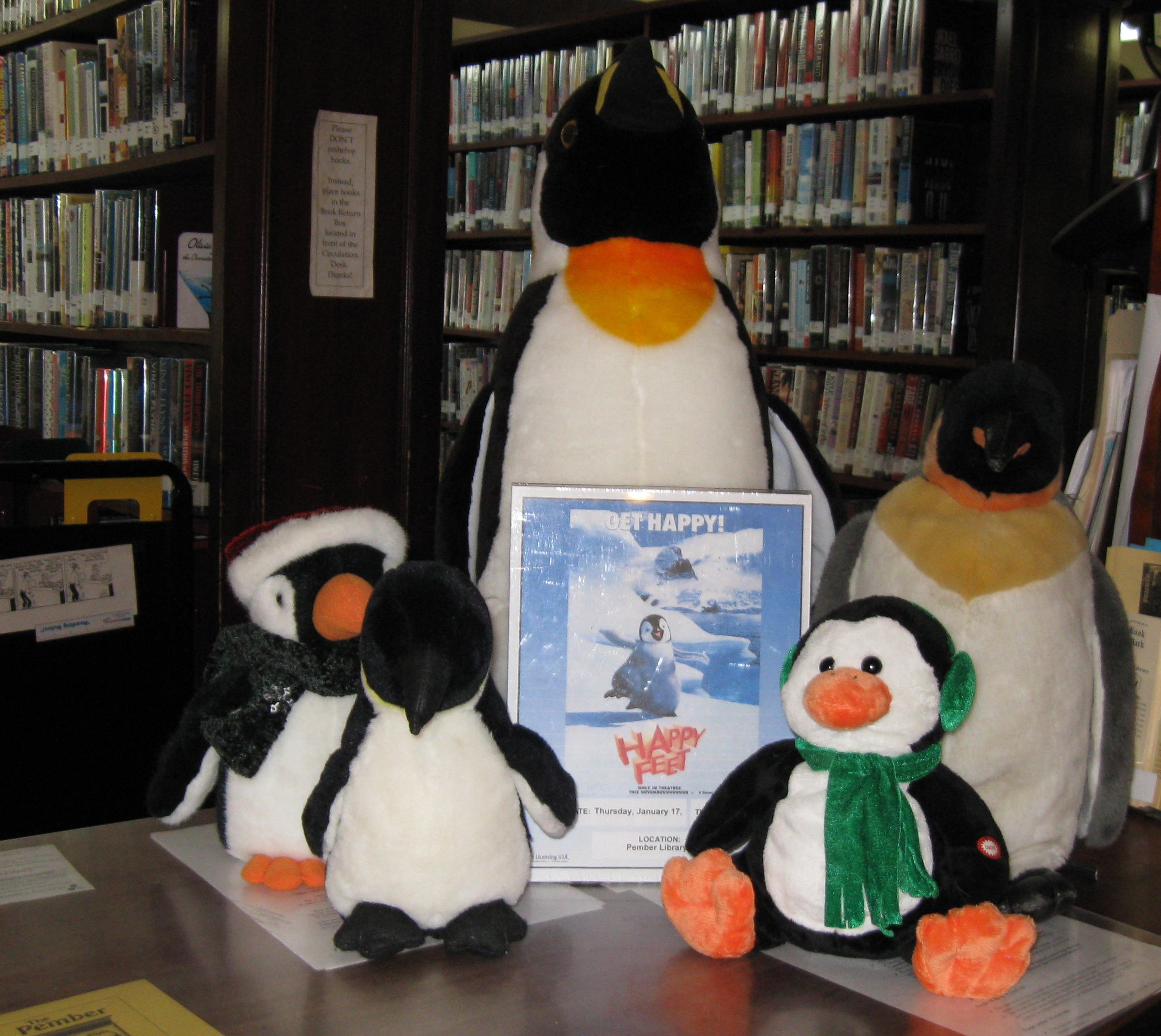
Beth from the Pawlet Library loaned us some of her stuffed penguins to accent the books and videos we have about penguins.